Clarify Ownership
It should become easier to assign tasks so work flow smoothly between handoffs.
Keep your work organized, visible, and moving with workflow management software built for consultants, freelancers, and small businesses.
TimeCatchApp helps professionals manage task-based work with clearer priorities, start and due date notifications, task-level tracking, billable and non-billable visibility, and team communication. Instead of relying on scattered notes, inbox follow-ups, and disconnected tools, teams can use one workflow management system to bring structure to daily work and keep projects moving forward.
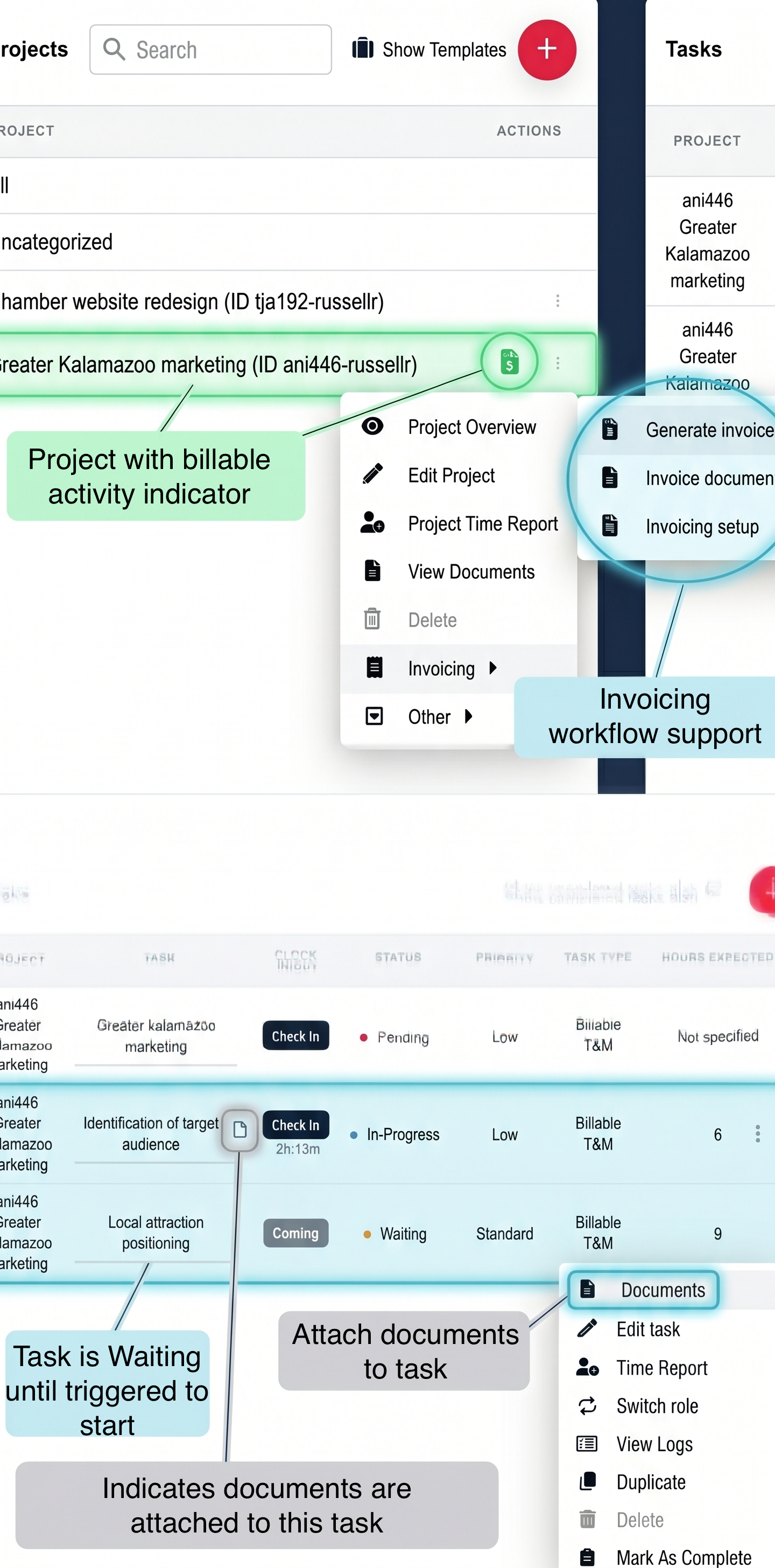
It should become easier to assign tasks so work flow smoothly between handoffs.
Use start and due date visibility and reminders to keep projects moving and on-time.
Reduce scattered communication by bundling all messages, updates, documents, and decision notes, available to all who need it. And grant customers access as needed.
Track work precisely so that personnel always know billable and non-billable time spend, remaining budget available. Track at task or project level.
A workflow is the sequence of steps used to complete work from start to finish. In simple terms, workflow management is the process of organizing that work, assigning responsibility, tracking progress, and keeping the right tasks moving at the right time.
In the broadest sense, a workflow refers to the sequence of steps required to complete a process, which is exactly why visibility and consistency matter so much in professional service work. For consultants, agencies, freelancers, and smaller teams, workflow management software helps bring priorities, ownership, timing, and communication into one place.
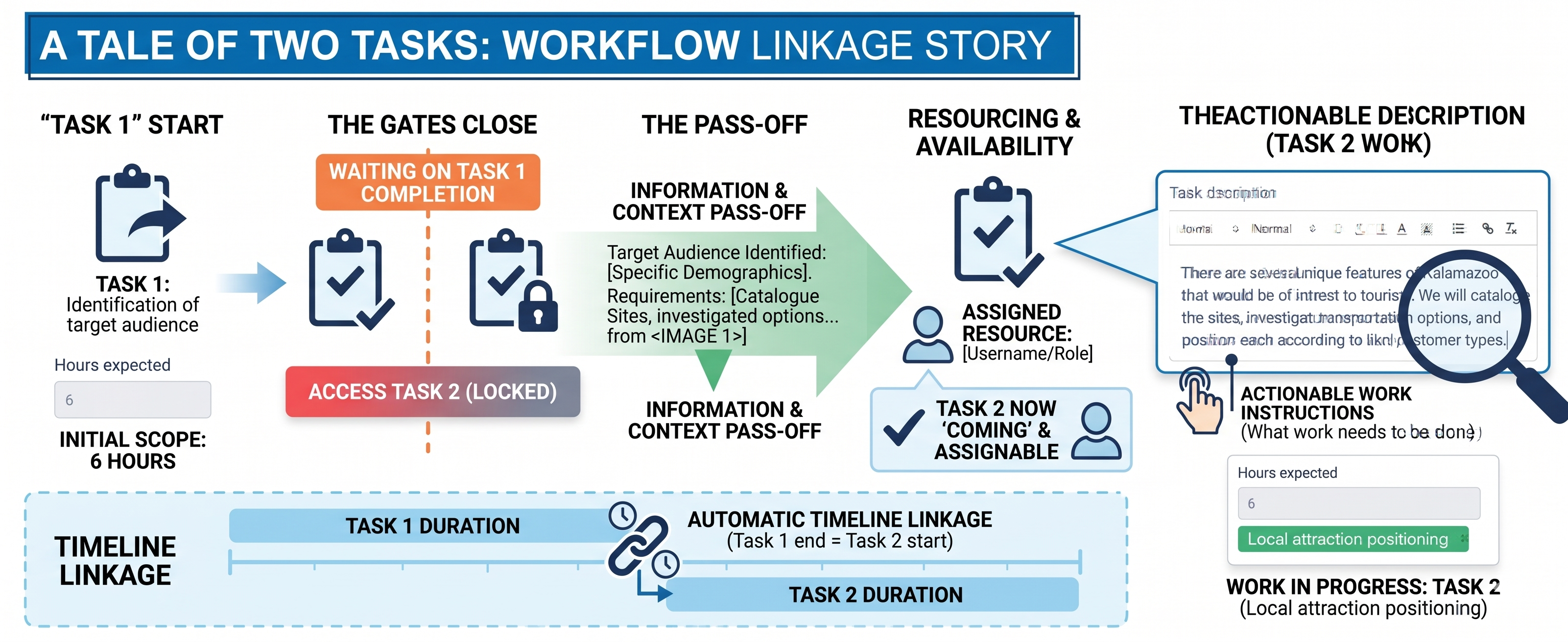
TimeCatchApp's workflow management system supports your project work, not just listing tasks.
Your project is a series of tasks. Each task has a start date and due date. And each task has a budget that is visible to the users Tasks can be linked into a sequence, one to many, so that when the lead task is completed, the successor tasks can be worked on, and the different owners are notified of the change in status. And if a task is a billable event, it is automatically linked to the invoice, so that no billable activity is ever missed, and you do not need to look at your time records: It is already there!
These are common ways consultants, freelancers, and small teams can use workflow management to bring more structure and consistency to daily work.
When a new project starts, your team (or you if you are solo) may need to collect information, assign setup tasks, prepare deliverables, and establish ownership. A workflow management system helps turn that process into something repeatable instead of something that depends on memory.
And if your projects have a pattern, you can use templates to ensure consistency, easy proposal preparation, and flawless execution.
Trust between you and your clients helps move projects forward, encourages repeat business, and keeps everyone happy. TimeCatchApp allows you to set up client accounts for your customers so that they can join the project, look at task progress, and see documents and outputs, all within a controlled space.
After work is approved, projects usually move through planning, assignment, execution, review, and completion. Project management workflow software helps keep those phases visible so deadlines and handoffs do not get lost.
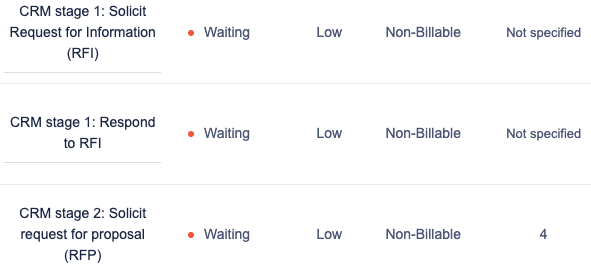
Many professional teams repeat the same work each week or month, from reports and updates to recurring deliverables and review cycles. Workflow software helps structure those routines so they stay organized and predictable.
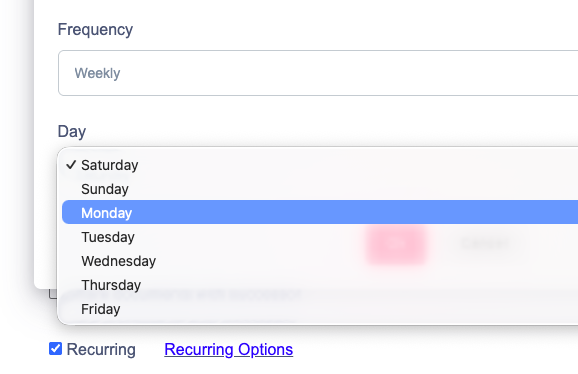
Small teams frequently collaborate on shared responsibilities. Ownership, timing, and progress are clarified by workflow task management software, allowing the team to focus on completing work rather than requesting updates.
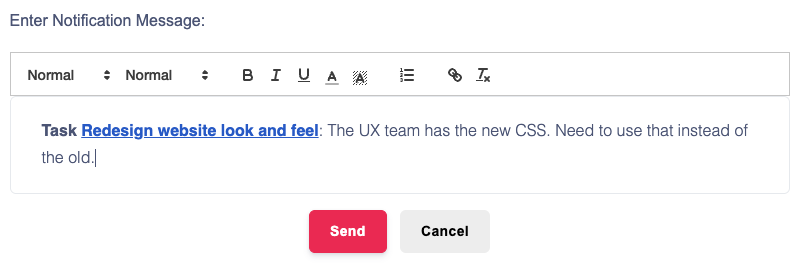
With the built-in notification system, all decisions and changes are tracked and stored with the document. Keeps everyone informed, no information is lost, and take you do not waste time managing information.
With service businesses the work must frequently be monitored for invoicing relevance and completion. Through a more robust business workflow management software system, teams can more effectively connect execution to billing accuracy.
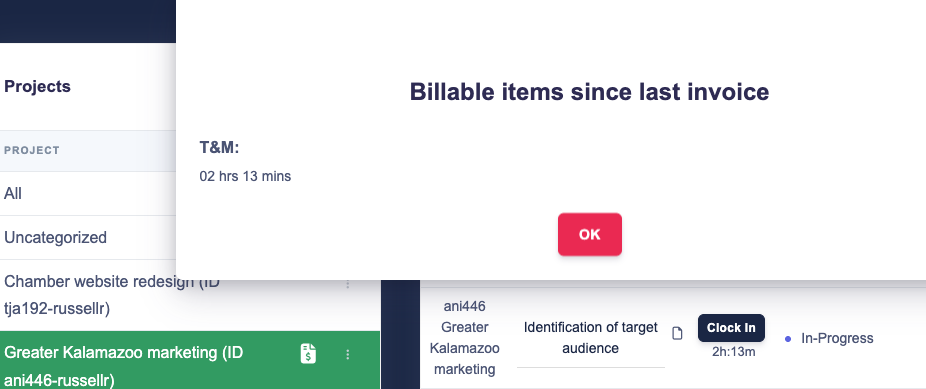
All billable activity, whether time and materials, deliverables, or units, are tracked automatically and will be invoiced at the next invoice date.
Want invoices generated on a schedule? You can do that too!
Structure works around what matters most, not just what appears first. Better prioritization curbs the tendency to react rather than plan, allowing for improved focus.
Support stronger planning with better visibility into when work should begin and when it needs to be completed.
See what is moving, what is delayed, and where accountability needs to be reinforced at the task level.
Distinguish between work that supports revenue directly and work that supports delivery behind the scenes.
For teams that want tighter visibility into how work is performed alongside task progress, a dedicated time tracking tool can help connect workflow activity with actual hours spent.
Keep more of the work context connected to the work itself so teams can reduce confusion and maintain momentum.
Bring workflow into a broader operating environment that also supports time tracking, documents, and invoicing.
When teams need supporting files, notes, and project materials to stay connected to active tasks, document management software can help keep workflow context more organized and accessible.
For service-based teams, workflow management becomes even more useful when completed work can flow more cleanly into invoicing software that supports billing and financial follow-through.
Clear ownership makes it easier to reduce bottlenecks and keep tasks moving through the right sequence.
Overly complicated setups create friction. Start simple, then refine based on how teams actually work.
Recurring work becomes easier to manage when the same steps, timing, and responsibilities are visible each time. Even outside software, process-flow improvements have long been associated with productivity gains. NIST’s process flow productivity example offers a useful real-world reference point on how better process design can support efficiency.
Both financial awareness and operational visibility can be enhanced by comprehending the nature of the work being executed. Additionally, this invoice automation software guide is available to teams seeking a more comprehensive operational perspective on invoicing efficiency, exceptions, routing, and approvals.
Tasks become easier to manage when the supporting documents and project context stay connected.
Small delays become bigger delivery problems when bottlenecks are not visible early enough.
For service-based teams, workflow management becomes more valuable when it connects to the rest of the work environment professionals already need. Bringing time tracking, document management, and invoicing into one workflow platform creates a more streamlined system that boosts productivity.
Track time spent on work projects clearly with the time tracking tool.
Ensure that project files, notes, and supporting materials are organized using document management software.
Create a cleaner path from completed work to billing with invoicing software.
Organize tasks, priorities, accountability, and communication in one workflow management system.
Consultants, freelancers, and small teams usually do not need heavyweight process software that tend to overcomplicate processes. They need simple workflow management software that is easy to use, clear to manage, and strong enough to support real client work.
That means the right platform should make task flow easier to follow, support priorities and deadlines, improve accountability, fit task-based service delivery, and give teams more visibility into what is happening now.
TimeCatchApp is built around those kinds of needs. That makes it a strong fit for individuals and teams looking for small business workflow management software and workflow task management software without unnecessary complexity. Consultants evaluating how workflow structure, time visibility, and client accountability work together may also find this article on consultant time tracking helpful.
I've tried several time tracking tools and this one stands out above the rest of them! Their interface is easy to use, as well as advanced technical capabilities like invoicing and document management. This tool helps me get my work done seamlessly and stay organized.
Discover how time tracking helps teams stay organized, improve accountability, and manage work more efficiently.
Learn MoreLearn how invoicing software simplifies billing, supports faster payments, and keeps financial workflows moving.
Learn MoreExplore how CRM software strengthens client relationships, centralizes communication, and supports a smoother workflow.
Learn MoreWorkflow management software helps professionals organize, track, and manage how work moves from one step to the next. It creates structure around tasks, ownership, deadlines, communication, and progress so teams can work more consistently.
A basic task app helps users list and assign work. A workflow management system goes further by helping teams manage timing, ownership, prioritization, progress, and communication as work moves through a repeatable process.
Project management workflow software is particularly beneficial for consultants, freelancers, agencies, and small teams. These job settings are required to oversee numerous deadlines, handoffs, deliverables, and obligations across ongoing projects.
Not all labor has an equal impact on revenue for service teams. By distinguishing between billable and non-billable work, teams can gain insight into the allocation of effort and the manner in which work contributes to financial outcomes.
Simple workflow management software is effective when it is easy to adopt and still strong enough to support real work. The best tools keep workflows clear, usable, and practical without creating unnecessary overhead.